updates

What I've been up to

Quick dated notes about what I'm reading, what I figured out, and the stuff I still need to decide before the next PR.

#7

Drawing a new map straight into the world

This is the fourth feature, which was to drag out a rectangle in empty world space and a new map shows up right there, instead of going to File and then New Map, filling in a dialog, saving it somewhere, and then adding it to the world by hand.

What I actually did click to open

So while dragging it snaps to the world grid, which is what makes the new map line up with whatever is already sitting there. If we want it off the grid we can hold Control, same as with the resize handles, and Escape or right click cancels the drag if we change our mind halfway. The map also picks up its orientation, tile size, render order and tilesets from the nearest map in the world, otherwise you would draw into an isometric world and get one odd orthogonal map sitting in the middle of it.

There were a few things which I wasn't sure about, like undo was moving the created file to the trash and no other undo command in the codebase touches files, so was that okay. Should the new map open in a tab straight away. And should the file go next to the .world file or next to the nearest map, since in sticker-knight all the maps live in a map folder.

To my questions my mentor said to keep the automatic saving in this PR, and only delete on undo when the map has no content, but then try making maps stay unsaved as a separate commit and fold it in if it stayed small.

My PR had a few issues in it, like worlds refer to their maps by file name, so an unsaved map has no name to be found by. Clicking one in the world opened it in its own tab with the world and the grid gone, because worldForMap only ever had a file name to search with. I suggested putting a plain non owning Map* on the entry just for identity, and Bjorn said that sounds too fragile to keep valid, and to pass the MapDocument* into worldForMap instead so it can match by pointer too. That one change fixed the world staying visible, and it also made Remove from World work for unsaved maps.

On testing there were three more things, like unsaved maps were selecting on press while saved maps select on release, so it felt abrupt. Creating another map while an unsaved map was selected put it in the wrong spot, which was the world rect being looked up by file name again. And switching to a new map inside a world made the view fit the map, which is the normal first time behaviour but wrong here since you're already looking at the world. Those are all fixed now, and resizing an unsaved map from the left or top edge moves its rect in the world as well, so the content stays put like it does for saved maps.

The PR is still in review, and delete maps in the world will come after this one.
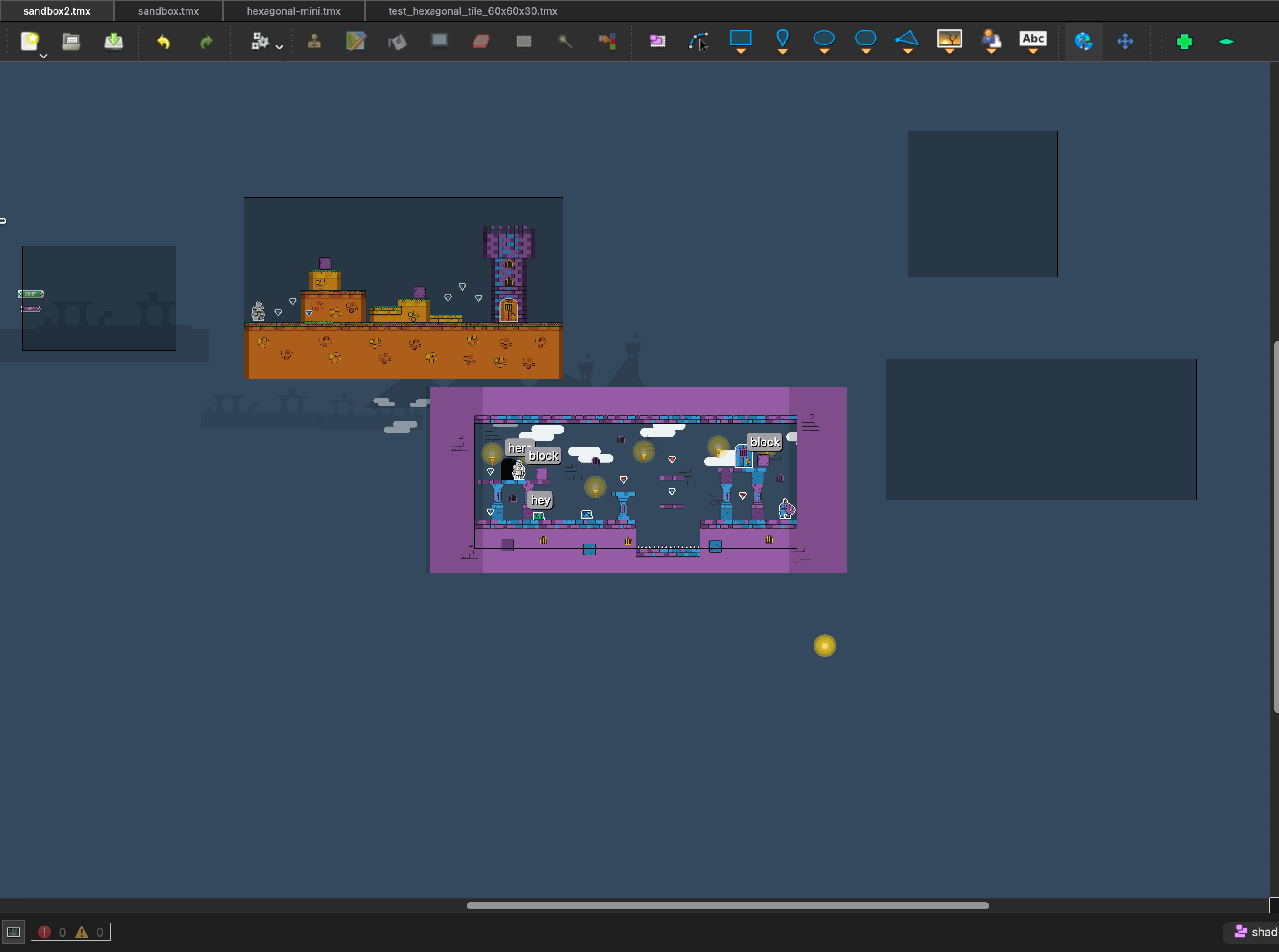
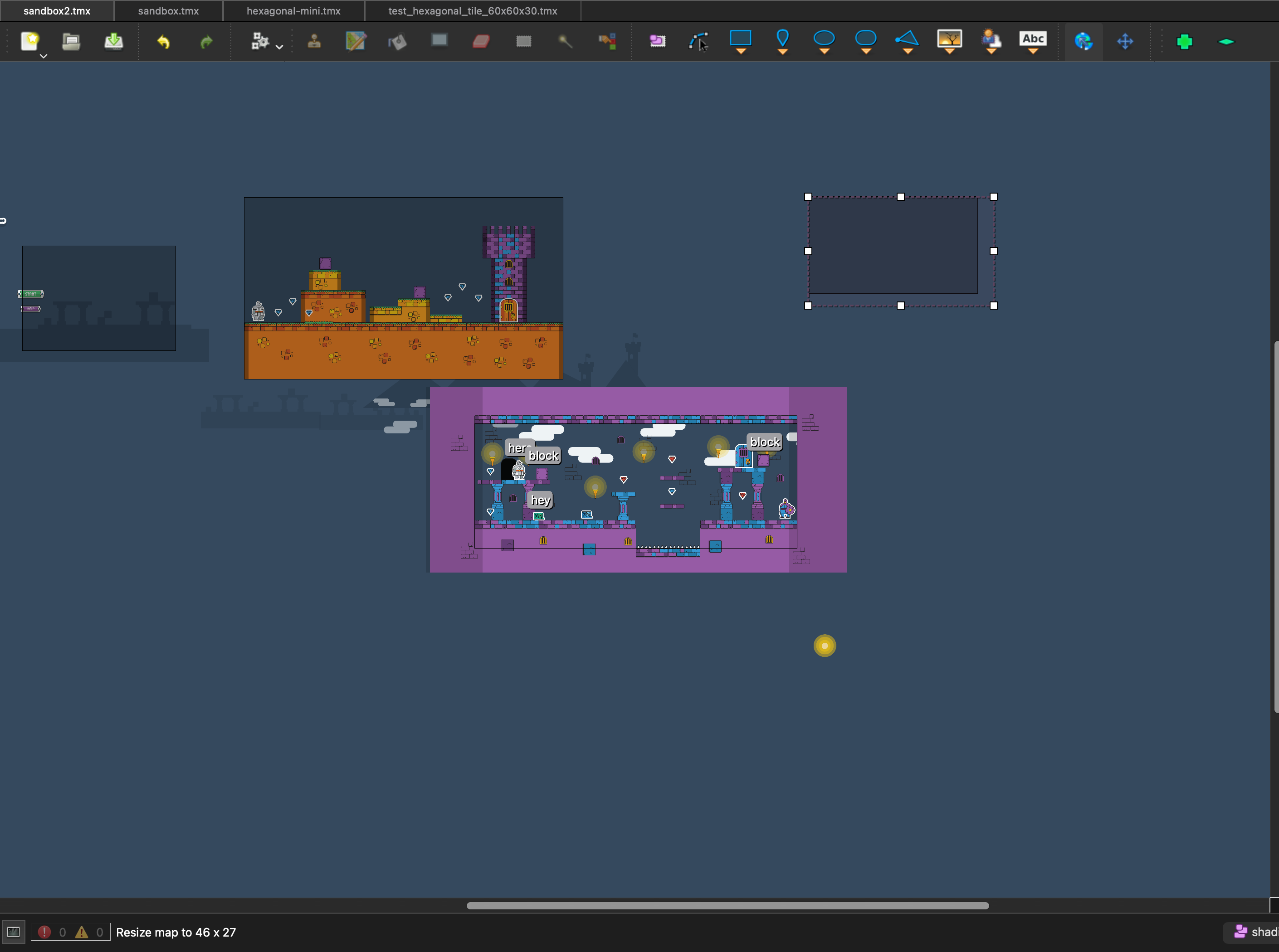
Two empty maps created this way sitting in the world beside the existing sticker knight maps
Two maps made this way, sitting in the world next to the ones that were already there.
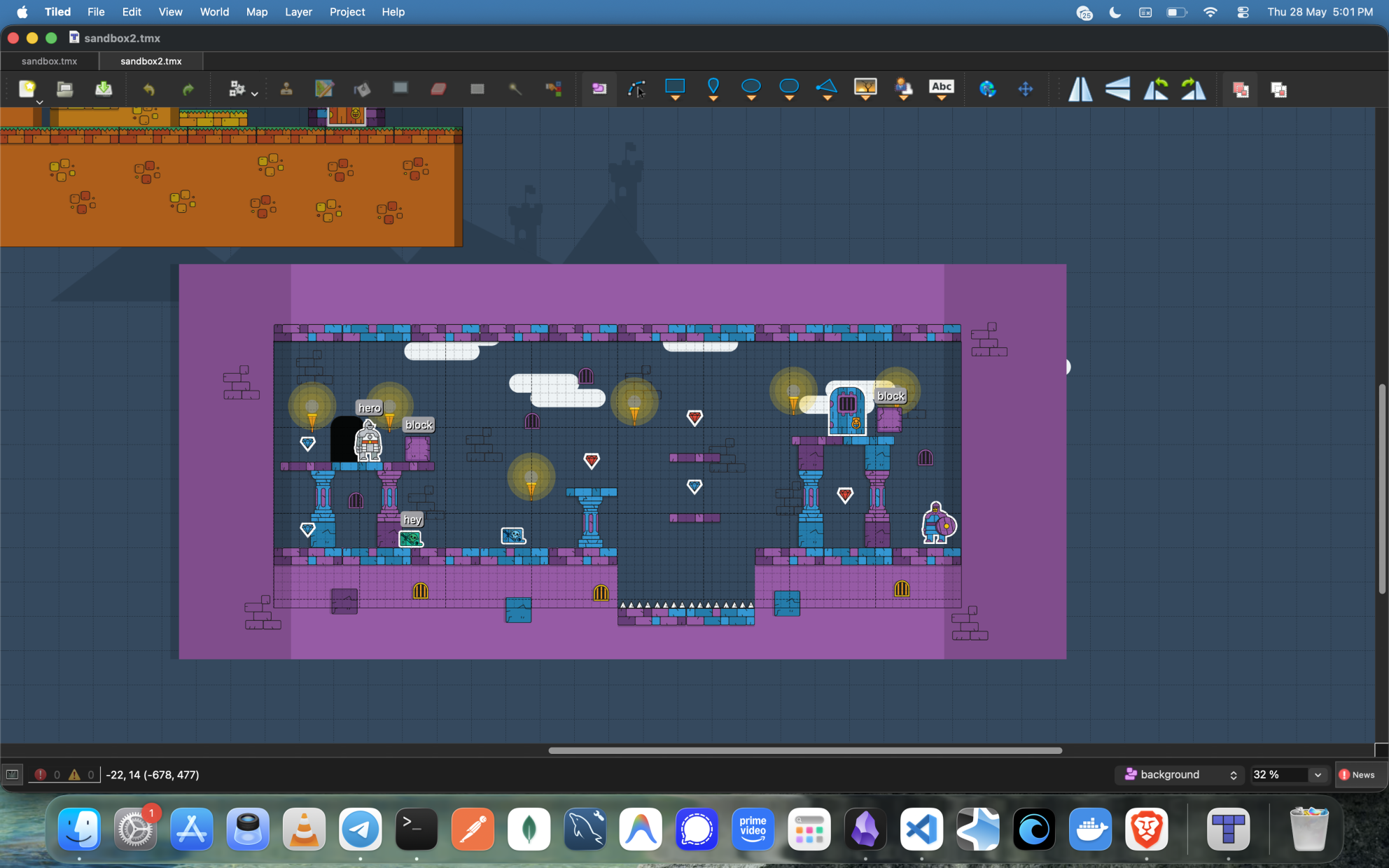
A new map selected in the world with resize handles on it, the status bar reading Resize map to 46 x 27
A new map selected afterwards, with the resize handles on it and the size in the status bar.
#6

Added a world for standalone maps

So this is the third feature. The resize handles only worked if the map was already part of a world, so this makes them work on a plain map too, without having to go make a world file first.

What I actually did click to open

This feature was about making the world tool work on maps that aren't in a world, so it adds a world for standalone maps. Resizing only changes the map itself, so it doesn't really need a world, and undo just works since it goes through the map's own undo stack.

The harder part was what happens when we add a second map. The confusion was that the save dialog showed up right after we clicked add map, and it is easy to mistake that for the map picker. I suggested a small confirmation to my mentor, so that if you pick that option it would show "This map is not part of a world. Create a new world containing it?", and it would only create the world file at the end, so cancelling anywhere leaves nothing behind.

He said it worked, but a lot of modal dialogs didn't seem very nice, and suggested hiding the add and remove maps buttons and showing only a New World for Map button. So I went ahead with that.

Also, when I was testing it I noticed that undoing a resize from the left or top edge on a map makes the view jump. During community bonding time we had a call where he showed me the same thing, when we moved maps using the world tool and pressed undo the other maps would jump. So this was kind of the same problem. Bjorn explained it is because we shift the view position only when the user makes the change, rather than in response to the actual change, so when the change comes in through undo the view never adjusts. The same thing happens when you move a map in a world and undo it, all the other maps move in the view instead. Both the default world PR and the follow-up for the view jumping are merged now.

#5

Added resize handles to maps in the world

So basically this is the second feature, in which we can just grab a map in the world view and drag its handles to a different size, instead of opening the map on its own, resizing it, and coming back to check how it looks.

What I actually did click to open

So while working on this I saw that before this, if I wanted to change a map's size I had to open the map by itself, go to Map and then Resize Map, type numbers into a dialog, and then go back to the world to see if it actually lined up with everything around it.

So I put handles on whichever map you've got selected in the world view, one on each corner and one in the middle of each side. If we drag any of them the map resizes from that edge. Also, while dragging it snaps to the grid, but if we want it to snap freely we can press Control while dragging.

Also the offset of the map was not clear while zooming in, because I was using QRect and it cuts off 1px from the sides. Used QRectF instead. I didn't know that a 1px thing could be solved like that, so learnt this.

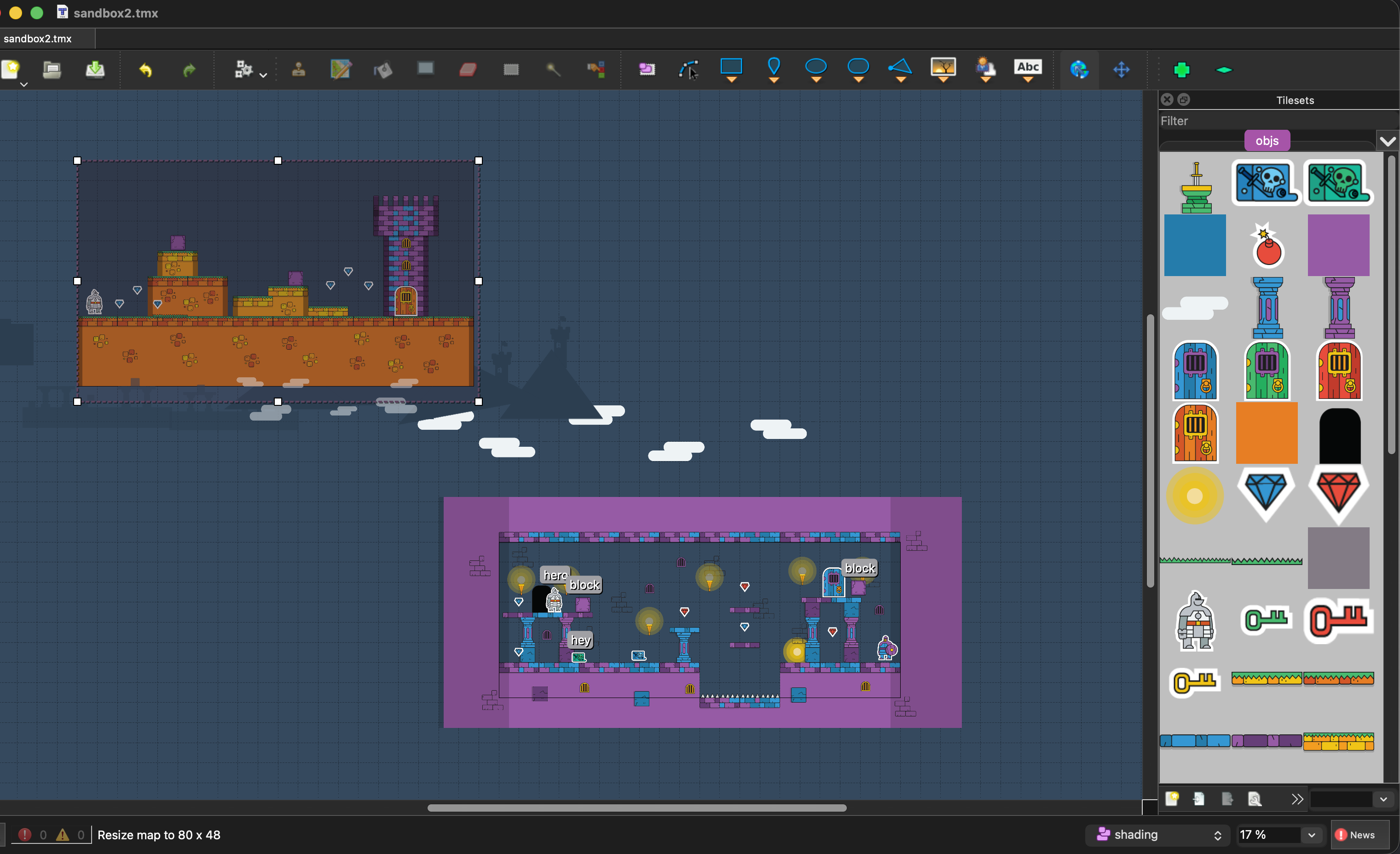
Resizing the top map in a world of two maps, with the status bar reading Resize map to 80 x 48
Resizing the top map, with the status bar showing the size it's about to land on.
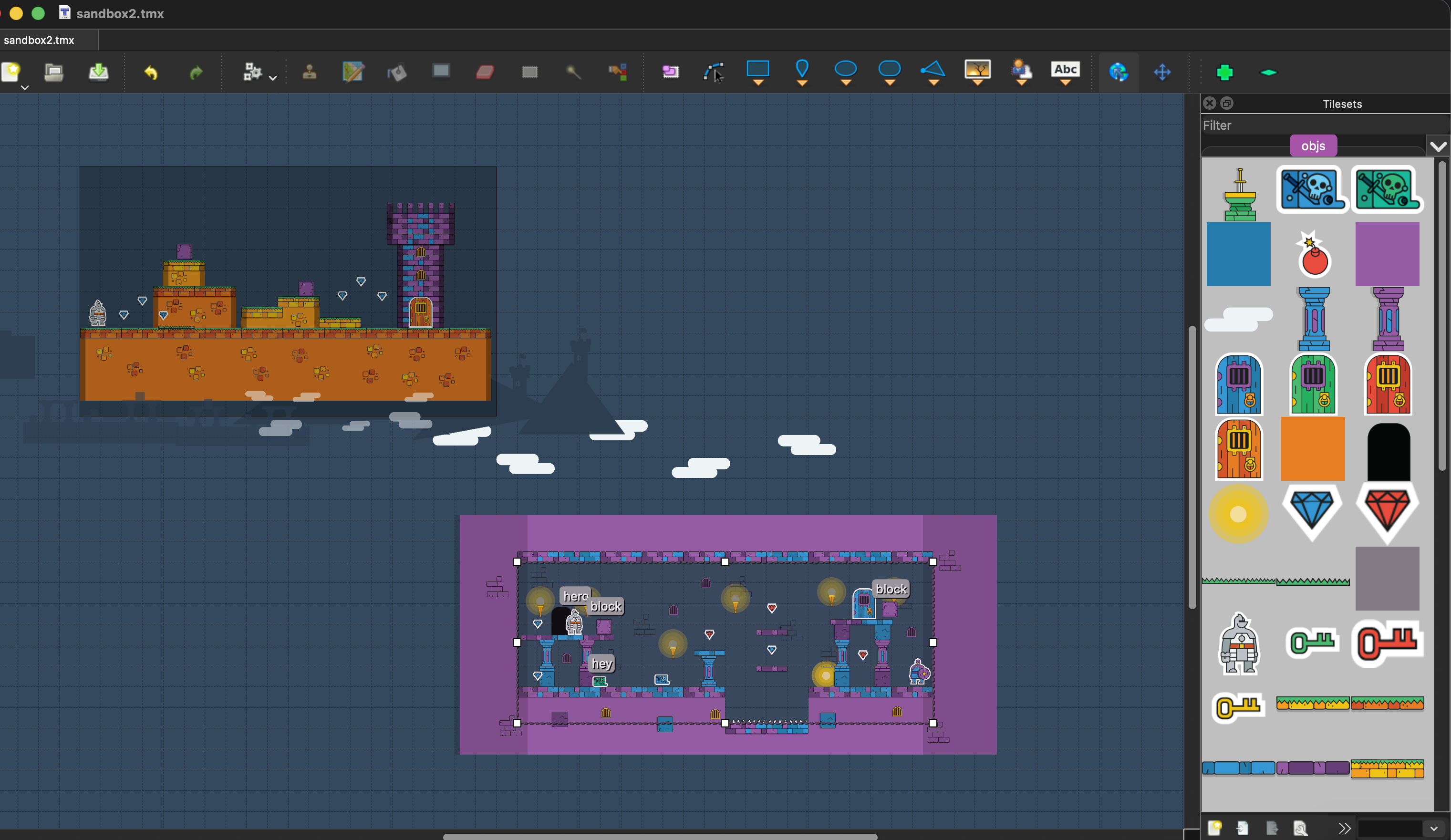
The other map in the world selected instead, with the resize handles now on it
Click a different map and the handles move over to it. Everything else stays put.
#4

Opened my first PR: the world grid

I opened my first PR today since the coding period started. It adds an optional world grid you can switch on and off from the View menu.

What I actually did click to open

Right now there is no grid in worlds, so my work was to add a world grid and let you change its size. The size is saved in the world, so it remembers the next time we open it, and worlds without a grid stay exactly as they were.

To set a world grid we have to go to the World menu and then World Properties, and set a size there. To actually show the world grid we go to View and then Show World Grid, which is on by default.

For the drawing, I render it behind the maps, dashed and slightly see-through, so it never gets mixed up with the normal per-map tile grid and still shows through the empty parts of maps.

There were a couple of things I saw while testing. Typing a single grid value would pile up a bunch of separate undo steps, one for every keystroke, so hitting undo would crawl back through all of them instead of just undoing the change. It took me some digging, but I got it down to one clean undo step.

I had taken some help while writing the MapScene code, where I had to do the QPainter translate thing. I could not understand the translate thing, so I texted Bjorn to explain the code I had written myself. ๐Ÿ˜… He just asked me to comment out that line and see what change it made, and then I saw why we had to write it. After the call I felt dumb, I could have done that myself, it just didn't come to mind.

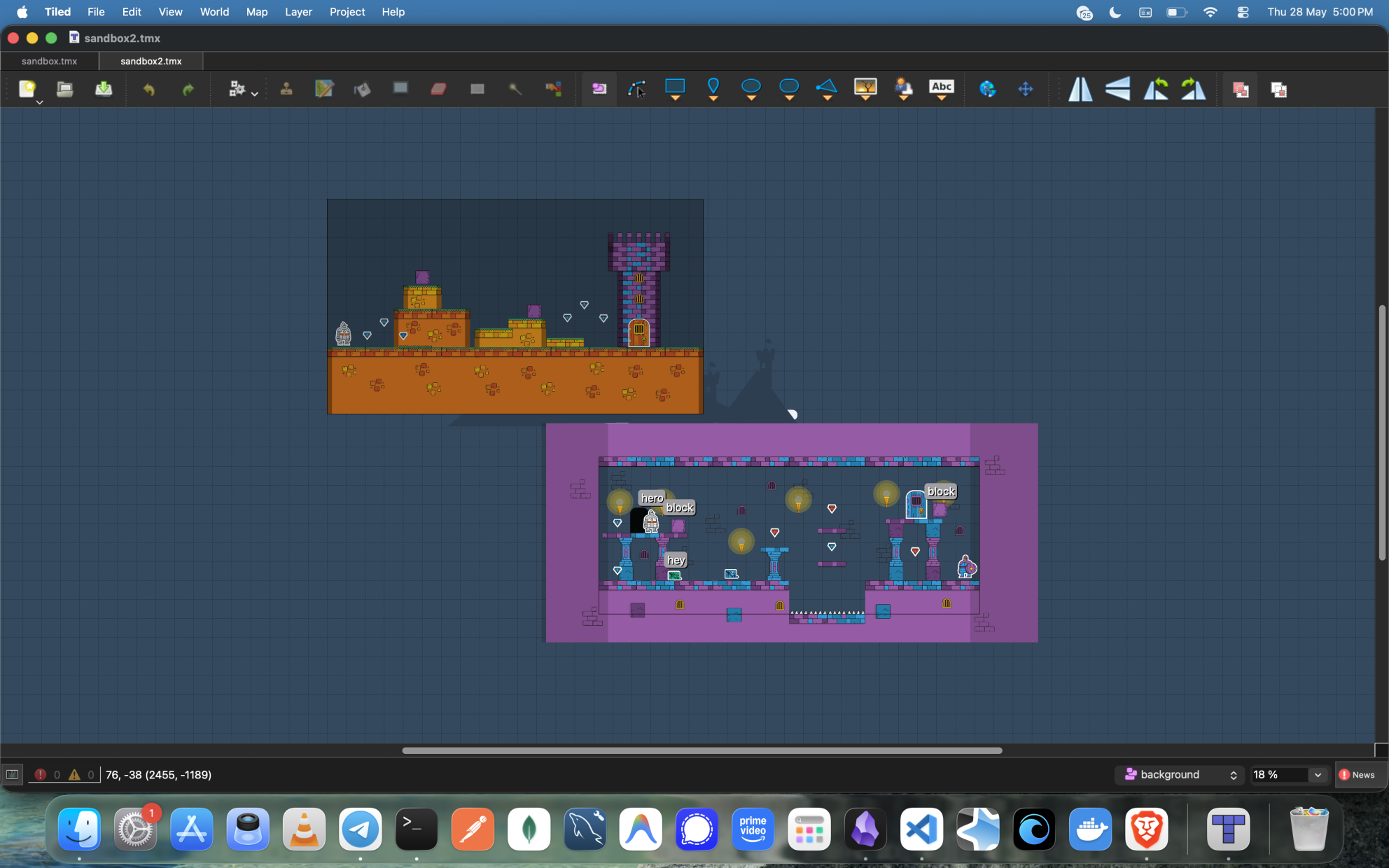
Anyway, the world grid PR got merged, and here are some pictures.

The world grid shown across maps in a loaded world
World grid switched on across the maps in a loaded world.
World grid and the regular tile grid both visible at once
World grid and the regular tile grid both on, and they stay clearly separate.
#3

Broke the work into smaller PR slices

Spent today actually breaking the project down into PRs that can ship one at a time. Came out with around five slices: world grid and snapping, default world behavior, resize handles, create/delete map workflows, and the shared map view. Good seeing the shape of it instead of one big task.

The first ones I want to bring up with my mentor are probably world grid, default world, and resize handles. The order matters since the rest depends on them.

#2

Walked through how world editing works today

Thought I'd spend today just seeing how Tiled actually works. Set up a world, and then realised I don't really know how to make maps, I'm not good at that part. Found the examples folder with Sticker Knight sitting in it, so I played around with that instead, loaded it as a world, added a few maps and moved them about.

Tiled already does a lot of the basics, adding and moving and removing maps in a world. So my work sits on top of what's already there, it isn't replacing any of it. World grid and snapping, resize handles, default world behavior, and the shared-view question I keep coming back to.

#1

Put up this little notes site

Just somewhere I can write things down as I go.

#0

Got selected for Tiled GSoC 2026

My project is Enhanced World Editing for Tiled, and I'm slowly shifting from the proposal phase into actually working on it. Community bonding mostly going into reading the code and tightening up the scope.